Install and Setup TvMate Pro on All Devices
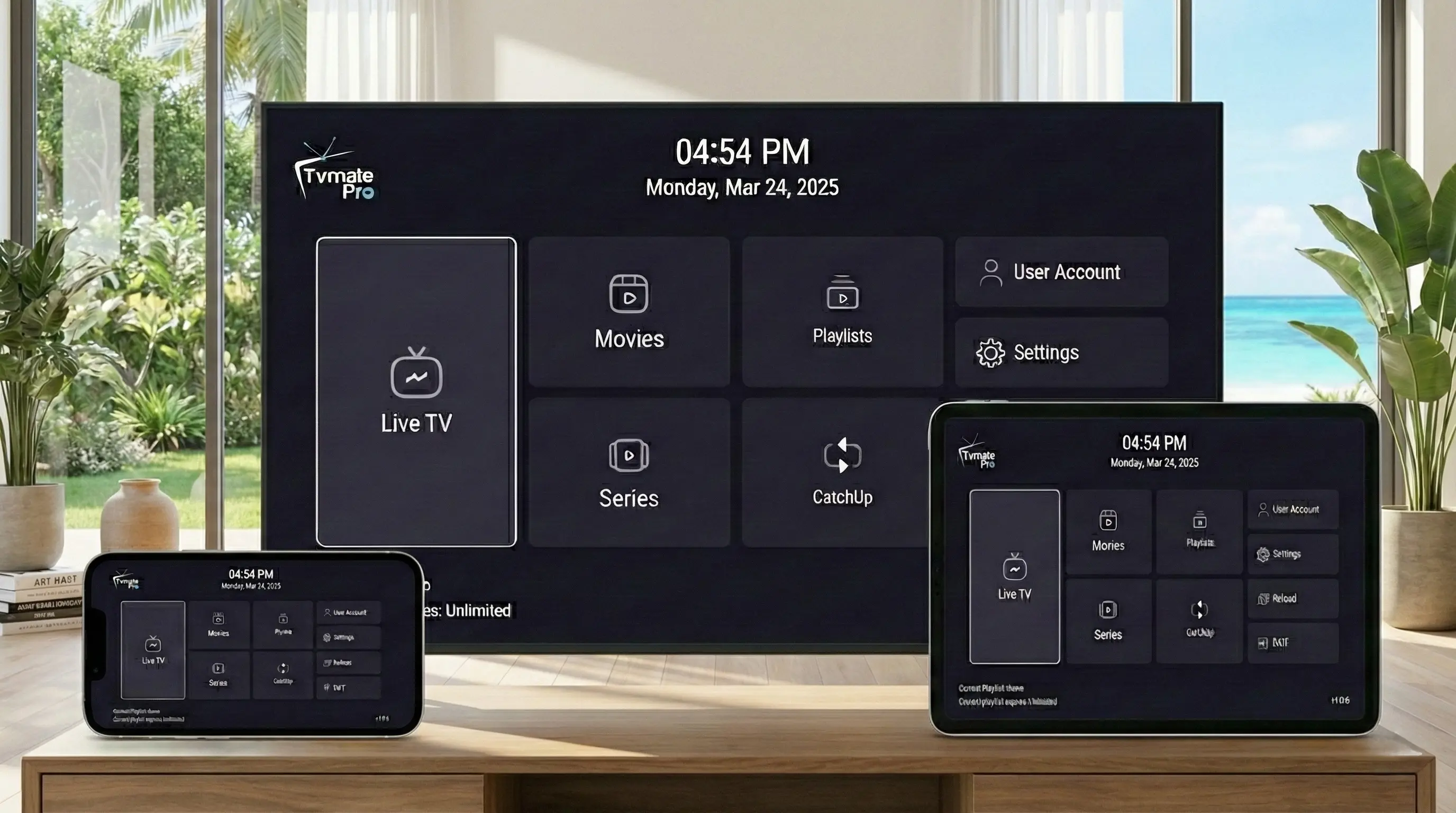
TvMate Pro is designed to be the ultimate media player, and we've made sure it works on virtually every screen in your house.
Whether you are a Firestick fan, an Apple enthusiast, or prefer watching on your PC, getting set up is easy. This master guide covers installation for all supported platforms.
Start Here: App vs Service
The Golden Rule: The TvMate Pro app is a player only. It is empty.
To actually watch live TV, sports, and movies, you must have an active IPTV Subscription to log in. We provide the premium service that powers the app.
1. Firestick & Android TV
These are the best devices for the full TvMate Pro experience.
Amazon Firestick
- Install Downloader from the Amazon Store.
- Enable "Install Unknown Apps" in Developer Options.
- Enter Code: 2578076
- Click Install.
Android TV / Google TV
- Open the Google Play Store.
- Search for "TvMate Pro".
- Click Install.
2. LG, Samsung & Roku
For Smart TVs that don't run Android, we have dedicated apps available in their respective stores.
3. iPhone & iPad (iOS)
Take your TV with you. Our iOS app connects seamlessly to your account.
Installation
- Open the App Store.
- Search for "TvMate Player Pro".
- Download and login with your credentials.
4. Windows PC
Watch while you work or on your laptop. We offer two ways to install on Windows.
- Option AMicrosoft Store App: Click here to install. Best for Windows 10/11.
- Option BDirect EXE Download: Download Installer. Best for older versions.
How to Connect Service
Regardless of which device you use, the final step is always the same: Activation.
- Open the app on your chosen device.
- Select "Add User" or "Add Playlist".
- Select "Xtream Codes API" login type.
- Enter your credentials from your email:
- Server URL
- Username
- Password
- Click Login and start watching!
FAQ
Can I use my subscription on all these devices?
Yes! One subscription works on any supported device. Just log in with the same details.
Which device is best?
We recommend the Amazon Firestick 4K or NVIDIA Shield (Android TV) for the absolute best performance and stability.
Conclusion
With TvMate Pro available on iOS, Windows, Roku, Smart TVs, and Android, you never have to miss your favorite show.
Any Device. One Subscription.
Join thousands of users streaming on their terms.