How to Set Up TvMate Pro on iPhone & iPad
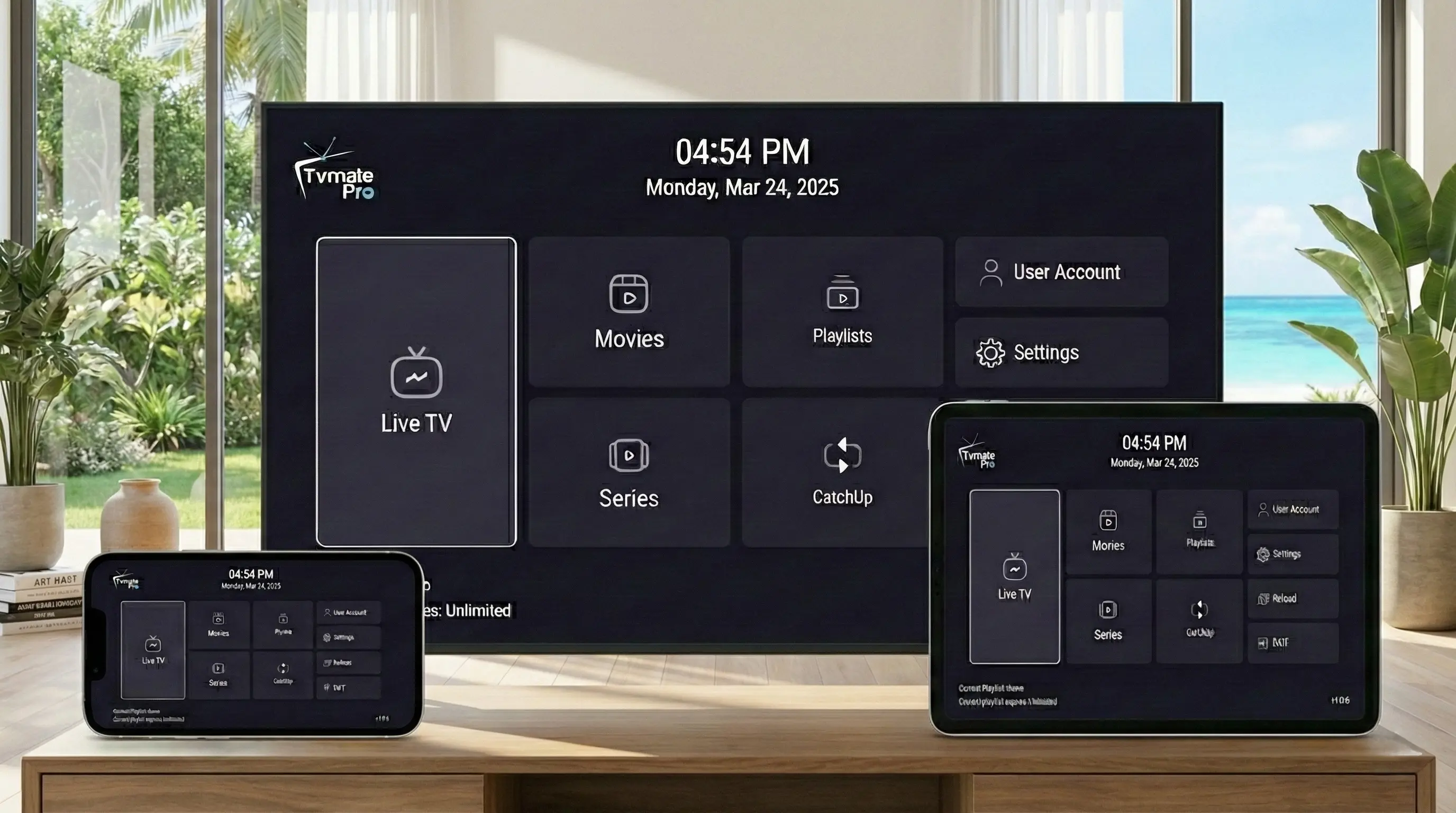
Taking your TV with you has never been easier. TvMate Pro offers a fully optimized iOS app that turns your iPhone or iPad into a portable entertainment powerhouse.
Whether you are traveling, commuting, or just lying in bed, you can access your full playlist with the same premium interface you enjoy on your TV.
Start Here: App vs Service
Critical Info: The TvMate Pro app is just a player. It's an empty shell when you first install it.
To watch 40,000+ live channels and VOD, you must purchase a Premium IPTV Subscription from our website and log in.
Requirements
- iPhone or iPad running iOS 12.0 or later.
- Active 4G/5G or WiFi connection.
- Apple ID to download from App Store.
- TvMate Subscription Credentials (Username & Password).
App Store Installation
TvMate Pro is available directly on the Apple App Store, making installation safe and instant.
- Open the App Store on your iPhone.
- Tap Search at the bottom right.
- Type "TvMate Player Pro".
- Look for the app with our logo and tap GET.
- Authenticate with Face ID or Touch ID.
- Tap OPEN once the circle completes.
How to Connect Service
Connecting your phone is just as easy as your TV.
- Launch TvMate Pro from your home screen.
- Tap the + button or "Add Playlist".
- Select "Xtream Codes API" (Recommended for best speed).
- Enter your premium details:
- Name: Mobile
- Username: (Check your email)
- Password: (Check your email)
- URL: (Check your email)
- Tap Login. The channels will sync in seconds.
iOS Specific Features
The iOS version takes advantage of your iPhone's powerful processor.
Picture-in-Picture (PiP)
Keep watching the match in a small floating window while you reply to texts or check emails.
AirPlay Support
One tap to cast your stream to any Apple TV or AirPlay 2 compatible speaker/TV.
Troubleshooting
Mobile Data Usage
Streaming HD consumes data. If you are on a limited plan, go to Settings inside the app and lower the stream quality or ensure you stay on WiFi.
Background Audio
If audio stops when you lock your phone, check the app settings to "Enable Background Play" if you want to listen to news/podcasts on the go.
FAQ
Does it sync favorites with my TV?
Currently, favorites are stored locally on the device. You will need to set your favorites on your iPhone separately from your Firestick.
Will it drain my battery?
The app is optimized for iOS power efficiency. However, streaming video with high brightness will naturally use battery. We recommend using "Low Power Mode" for long sessions.
Conclusion
TvMate Pro for iPhone gives you the freedom to watch what you want, where you want. No more fighting over the remote in the living room.
Go Mobile Today
Get your subscription now and log in on your iPhone instantly.