How to Set Up TvMate Pro on Firestick
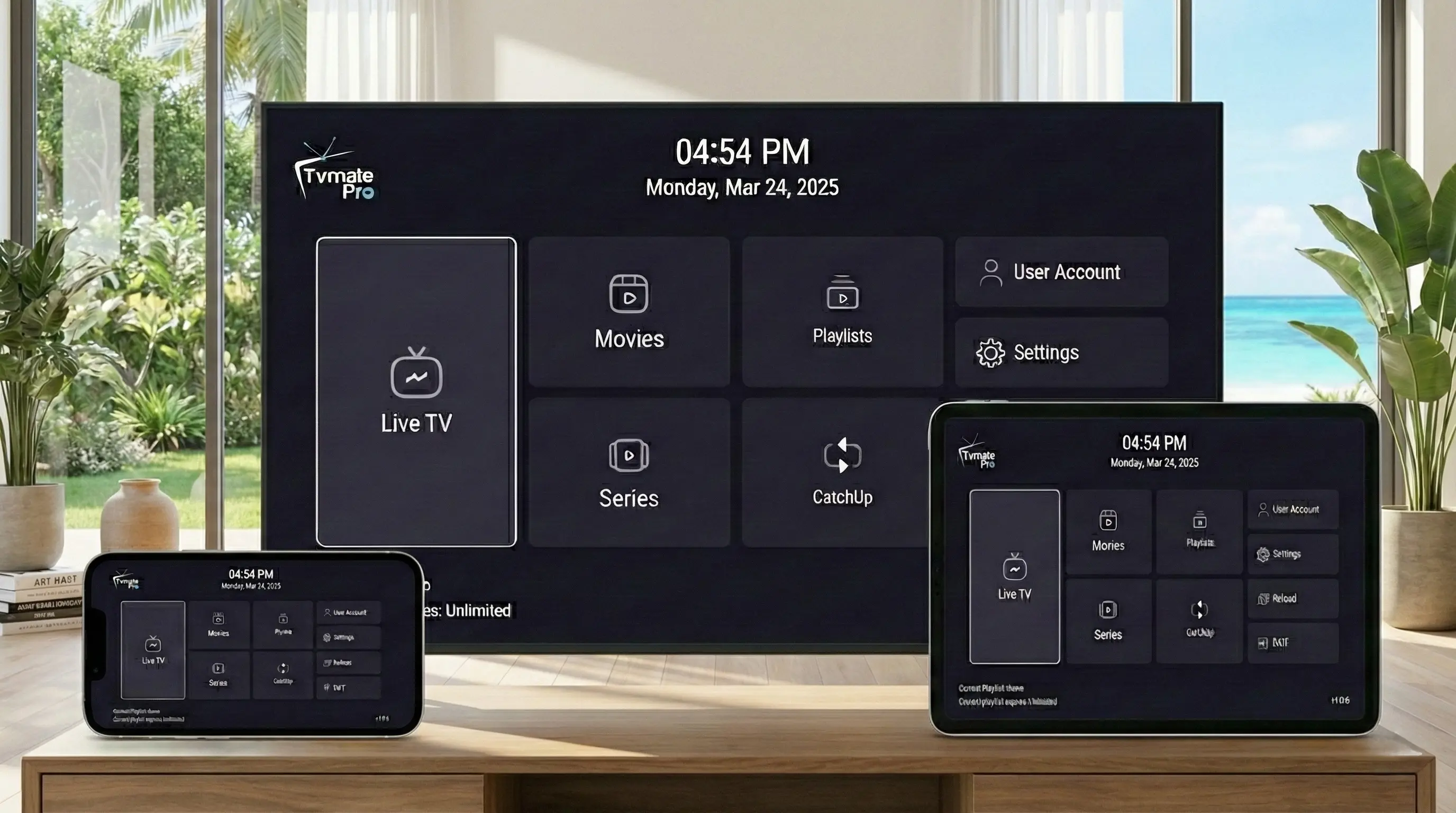
The Amazon Firestick is the perfect companion for TvMate Pro. Its fast processor and simple remote make zapping through thousands of channels a breeze. But since TvMate Pro isn't available directly in the Amazon App Store, you need to "sideload" it.
Don't worry—"sideloading" is just a fancy term for downloading an app directly from the web. It is safe, legal, and takes less than 5 minutes.
Before You Start (Crucial)
Please Read: The TvMate Pro app you are about to install is just a media player. It is empty.
To actually watch live TV, movies, and sports, you must have an active IPTV Subscription to enter into the app. We provide the best premium subscription for TvMate users.
What You Need
- Any Amazon Fire TV device (Firestick 4K, Lite, Max, or Cube).
- A stable internet connection.
- TvMate Pro Downloader Code: 2578076
- Your IPTV Credentials: (Username, Password, and URL from your welcome email).
Step 1: Get Downloader App
The "Downloader" app allows you to download files from the internet onto your Firestick.
- Go to the Firestick Home Screen.
- Select the Find icon (magnifying glass) or use Alexa Voice Search.
- Type "Downloader".
- Select the orange app named "Downloader" by AFTVnews.
- Click Download or Get to install it.
Step 2: Enable Developer Options
By default, Firestick blocks apps from outside the Amazon Store. We need to allow Downloader to install TvMate.
How to Enable Developer Options:
- Go to Settings (gear icon) on the far right.
- Select My Fire TV.
- Select About.
- CRITICAL STEP: Highlight "Fire TV Stick" (or your device name) and click the center button on your remote 7 times quickly.
- You will see a message: "No need, you are already a developer."
- Press the Back button once.
- You will now see a new menu item called Developer Options. Click it.
- Select Install Unknown Apps (or "Apps from Unknown Sources").
- Navigate to Downloader and switch it to ON.
Step 3: Install TvMate Pro
Now we are ready to download the actual app.
- Open usage Downloader app.
- In the URL box, type the following code exactly: 2578076
- Click Go.
- Wait for the 5-second countdown on the redirect page, then the download will start automatically.
- Once downloaded, click Install.
- When finished, click Done (do not click Open yet).
- Click Delete to remove the APK file and save space. Click Delete again to confirm.
Step 4: Activate Subscription
This is the final and most important step. Without this, your app will be empty.
- Return to your Apps list and open TvMate Pro.
- Select "Add Playlist".
- Choose "Xtream Codes" (this is the most stable method).
- Enter the details from the email we sent you:
- Server URL: (e.g., http://line.tvmate...)
- Username: (your username)
- Password: (your password)
- Click Next and wait for the channels to load.
Success! You should now see 40,000+ channels and the TV Guide.
Troubleshooting
I get a "Parse Error".
This usually means the download was interrupted. Delete the file in Downloader and try downloading code 2578076 again.
App says "Login Failed".
Double-check your Username and Password. They are case-sensitive. Ensure there are no spaces at the end.
I don't have a Username/Password.
You need to purchase a subscription first. Click here to buy one.
FAQ
Is TvMate Pro free?
The app has a free version with limited features. Our subscription provides the content (channels/movies) which is a paid service.
Can I use this on multiple Firesticks?
Yes, our plans support multiple connections. You can use the same login on multiple devices simultaneously depending on your plan limit.
Conclusion
You have now successfully installed the best IPTV player on the market. Paired with our premium subscription, your Firestick is now a powerhouse entertainment device.
Don't Have a Subscription Yet?
Your TvMate app is empty without it. Get instant access to 40,000+ channels now.