How to Set Up TvMate Pro on Android TV
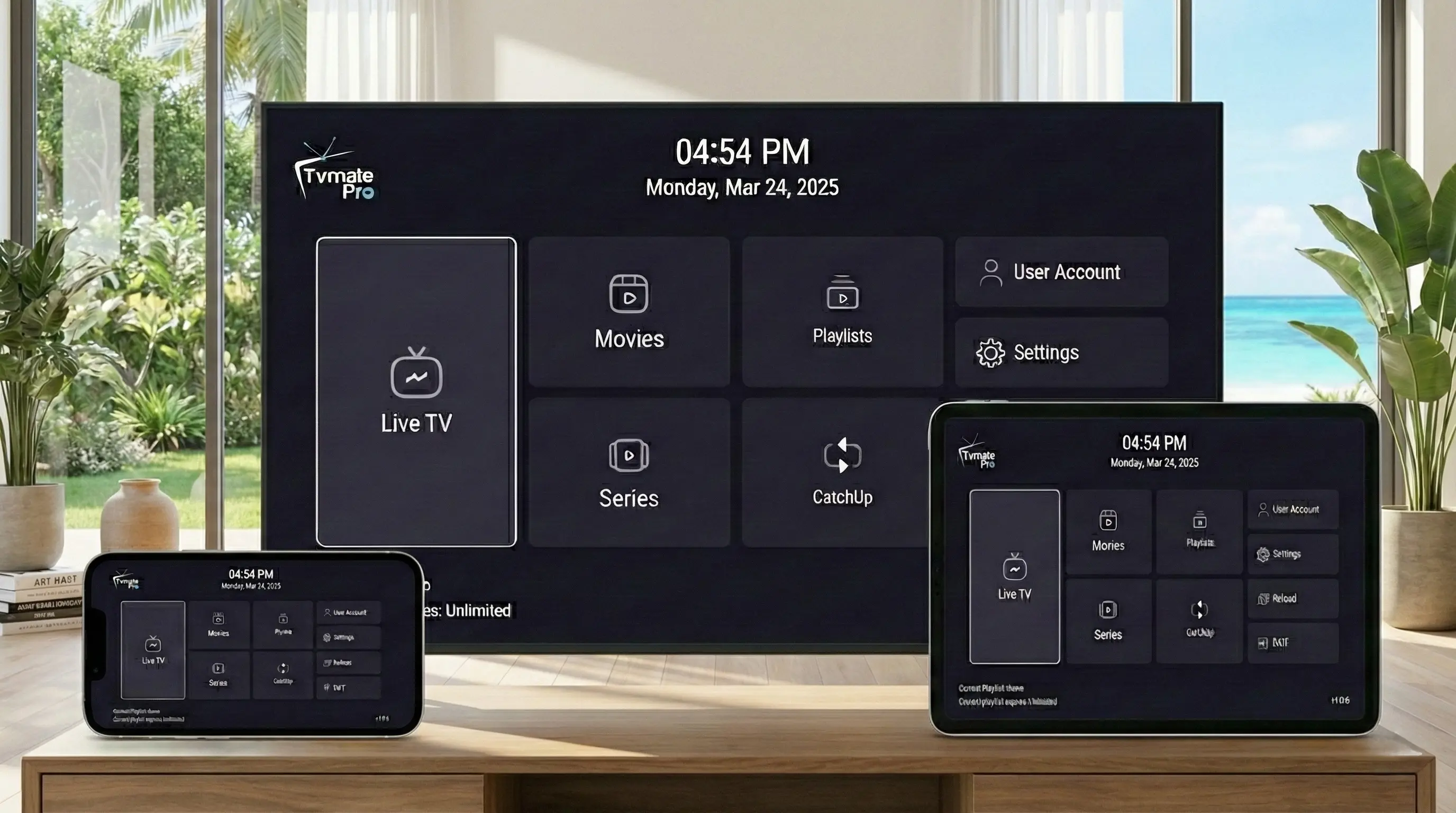
Android TV boxes like the NVIDIA Shield, Xiaomi Mi Box, and Formuler devices are built for high-performance streaming. To take full advantage of their power, you need the right app.
TvMate Pro is widely considered the best IPTV player for Android TV, offering a cable-like experience with a modern UI and incredibly fast channel zapping.
Start Here: App vs Service
Critical Distinction: Installing the TvMate app is just step one. The app itself contains no channels.
To get live TV, sports, and movies, you need to purchase our Premium IPTV Subscription. We provide the login details that unlock the content within the app.
Requirements
- An Android TV box (NVIDIA Shield, TiVo Stream 4K, Mi Box, etc.).
- Active internet connection.
- Google Account for Play Store access.
- IPTV Subscription Credentials (Username & Password).
Method 1: Google Play (Recommended)
Since TvMate is a fully verified app, you can download it directly from the official store.
- Open the Google Play Store on your Android TV.
- Go to the Search bar and type "TvMate".
- Select the app named TvMate Pro (look for our logo).
- Click Install.
- Once installed, click Open to launch.
Method 2: Sideloading
If you are using a device without the Play Store (like some operator boxes) or want to ensure you have the specific APK version we host, use the Downloader app.
- Install Downloader from your app store.
- Open it and allow permissions.
- Enter the specific TvMate code: 2578076
- Click Go.
- The APK will download. Click Install when prompted.
- Note: You might need to enable "Install Unknown Apps" in Settings > Security.
How to Activate Channels
This step turns the empty player into a content powerhouse.
- Launch TvMate Pro.
- Click Add Playlist.
- Select Xtream Codes (Best for speed and EPG).
- Input the info from your subscription email:
- Server URL: (e.g. http://line.tvmate...)
- Username: (Your personal username)
- Password: (Your personal password)
- Select Next and wait for the "Playlist Processed" success message.
Troubleshooting
I can't find clear "TvMate" in Play Store
Go to this link on your computer and click "Install on my devices" to push it to your TV remotely.
EPG is empty
Go to Settings > EPG > Update EPG. If it persists, ensure you entered the server URL correctly.
Invalid Credentials error
This usually means a typo in the password (confusion between O and 0, or I and l). Check your email carefully. If you don't have a login, buy one here.
FAQ
Does it support 4K?
Yes, TvMate Pro combined with our premium subscription supports 4K HDR content, provided your TV and internet speed can handle it.
Is there a limit on channels?
No, the app can handle playlists with 100,000+ items without slowing down, unlike older IPTV players.
Conclusion
Setting up TvMate Pro on Android TV is the best decision you can make for your home entertainment. It combines the ease of use of cable with the massive library of internet streaming.
Upgrade Your TV Today
Join thousands of happy streamers with the best player + service combo.