How to Set Up TvMate Pro on Android Smartphone
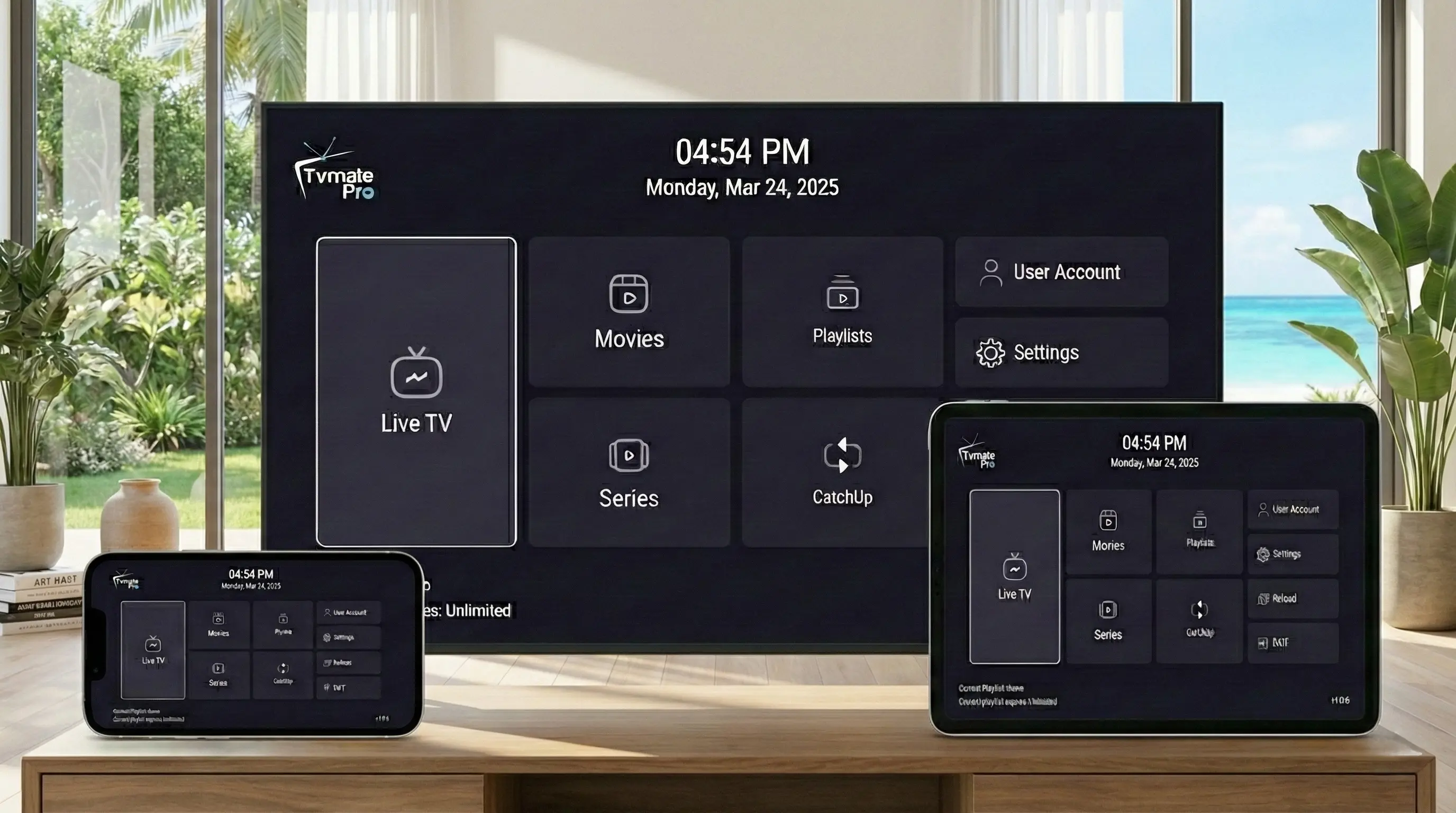
Who says you need a TV to enjoy premium entertainment? With TvMate Pro on your Android smartphone, you can carry 40,000+ live channels and thousands of movies in your pocket.
TvMate Pro is optimized for touchscreens, offering the same smooth performance as the TV version but adapted for mobile use.
App vs Service (Read First)
Reminder: The TvMate Pro app is just a player. It is empty when you download it.
To watch anything, you must enter the login details from your IPTV Subscription. We provide the premium service that powers the app.
Requirements
- Android Smartphone or Tablet (Samsung, Pixel, Xiaomi, etc.).
- Internet connection (4G/5G or Wi-Fi).
- IPTV Credentials: (Username/Password from your subscription email).
Step 1: Install the App
The easiest way is to use the Google Play Store, but if you want the specific TvMate version we recommend, you can also download the APK directly.
Option A: Google Play Store (Easiest)
- Open Play Store on your phone.
- Search for "TvMate" and install the official app.
Option B: Direct APK Download
- Open Chrome or your preferred browser.
- Go to: https://files.tvmate.com/tvmate.apk
- The file will start downloading.
- When finished, tap Open.
- You may be asked to allow installation from Chrome. Toggle "Allow from this source" locally.
- Tap Install.
Step 2: Add Playlist
Once installed, you need to connect the app to our servers.
- Open TvMate Pro.
- Tap Add Playlist.
- Select Xtream Codes.
- Enter your subscription details:
- Server Address: (Check your email)
- Username: (Your username)
- Password: (Your password)
- Tap Next and let the channels load.
Tips for Mobile Streaming
Use Wi-Fi
Streaming 4K or HD content uses a lot of data. Stick to Wi-Fi to save your mobile plan.
Background Play
TvMate supports Picture-in-Picture on Android, so you can keep watching while texting.
FAQ
Does this work on iPhone?
TvMate Pro is Android-only. For iOS, we recommend using a different player with our subscription credentials.
Can I watch offline?
No, IPTV requires an active internet connection to stream live TV and VOD.
Conclusion
With TvMate Pro set up on your Android phone, you never have to miss a game or show again. Your TV is now wherever you are.